
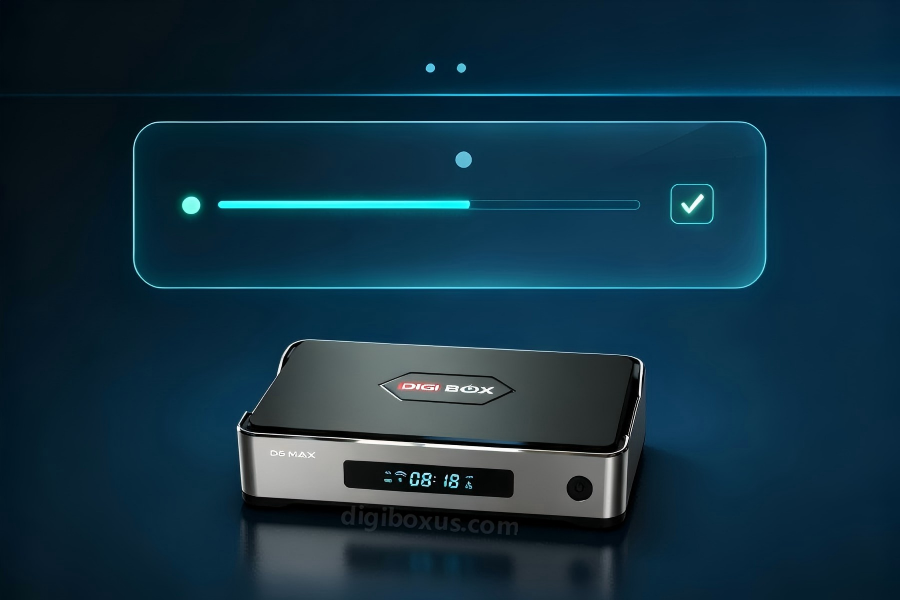
It updated overnight… and now it’s sluggish, glitchy, or stuck on the logo 😬
Updates fix things — but they also reshuffle what’s running in the background. Calm order of operations:
1️⃣ Restart Once More After the Update 🔄
Background services keep re-indexing after an update. Unplug 30 sec → reconnect → give it 10 minutes before you judge it.
2️⃣ Was the Update Interrupted? 📡
- Make sure Wi-Fi didn’t flicker mid-update
- If it sat on “optimizing…” forever → re-check official update on Ethernet
- ⚠️ Skip random forum “faster firmware” files. They’re how boxes become bricks.
3️⃣ Storage Check 🗂️
Pre-loaded + cached live channels + old APKs = slow land.
Uninstall what you don’t open (leave system-critical stuff alone). Aim ≥10–15% free.
4️⃣ Pinpoint the Timeline 🕵️
Write it down before you message anyone:
- Started right after update? / days later? / only in one app? / all the time?
That one sentence makes support 3× more useful.
5️⃣ Factory Reset: Last, Not First ♻️
It can clear deep glitches — but it also erases your tuned layout and logins.
Do 1–4 first. If it’s still unstable after clean network + storage… then a reset (or a cleaner hardware platform) becomes a plan, not panic.
🔄 Done resetting twice this year and still playing update roulette?
Here’s the part most listings won’t say out loud:
Some boxes are built so the cheapest path is “buy again in 12 months.”
We refused to sell like that — which is why our shelf is DigiBox, not “whatever dropshipper has stock this week.”
Firmware that’s boring on purpose > firmware that surprises you every Tuesday.
That’s the whole pitch. No drama, no “vSeeBox is evil” clickbait.
If you want the dealer-level version of this conversation: 🔄 [Already Have a VSeeBox That Acts Up? When Switching to DigiBox Actually Makes Sense]
If you just want to see what “boring-on-purpose” hardware looks like: 🛒 [Shop DigiBox D6 Max]
🔧 Or go back and double-check it’s really the box: 🐢 [Is Your VSeeBox Actually the Problem?]