
Your VSeeBox buffers during the good part of the movie. Or it sits on the home screen frozen and the remote stops listening. Or it reboots like it has a mind of its own 😮💨
Before you factory-reset (and before you rage-buy a replacement), do this triage. Most “dead box” panic is actually one of four things: power, heat, Wi-Fi, or a single app. Not a dead device.
1️⃣ Restart Both, Not Just the Box 🔌
Unplug the VSeeBox and the router/modem. Wait 30 seconds. Power the router back on first, then the box.
This clears DHCP sessions and background hangs that look exactly like hardware failure.
2️⃣ Is It Sitting in a Hot Cabinet? 🌡️
Behind the TV? Stacked under the soundbar? Inside a closed cabinet?
Metal + cord shielding + no airflow = throttling after 45 minutes. Move it to open air and test a movie for an hour.
3️⃣ One App Frozen or the Whole UI? 🧩
This one question saves people from unnecessary resets:
- ✅ Only one app frozen, others fine → that app/service, not your box
- ❌ Home screen + Settings + every app frozen → device or firmware side
4️⃣ The Ethernet Truth Test 🧵
Plug a cable straight to the router.
Buffering vanishes? → Your Wi-Fi environment owed you an apology.
Still buffers on cable? → Now you’re finally allowed to suspect the hardware.
5️⃣ Storage Check (the quiet slow-killer) 🗂️
Pre-loaded boxes + cached live channels + old APKs = crawl.
Leave ≥10–15% free. Delete apps you haven’t opened since Black Friday.
6️⃣ Delay the Factory Reset ⏳
A reset wipes accounts, tuned channels, remote pairing — on some pre-loaded boxes, your whole channel layout goes with it.
Try 1–5 first. If it’s still flaking weekly after all of that… then “compare hardware” stops being panic and becomes a plan.
🛡️ Before You Decide: Who We Actually Are
Quick honesty check — we’re a DigiBox dealer, not a VSeeBox support page.
We wrote this hub because most people arrive here with a VSeeBox that already annoyed them, and we’d rather teach you to fix it than sell you something on top of their frustration.
So:
- 🔧 We diagnose all brands — VSeeBox, SuperBox, generic Android boxes. If it’s acting up, use the steps above first.
- 🛒 We sell DigiBox — because as a dealer we can put our name on the warranty: pre-checked units, English setup guide, real human reply, 7-day return.
- 🚫 We don’t run “your old box is trash, buy us” content. If Ethernet fixed it, we’ll literally tell you to keep your VSeeBox and just move it to the living room.
🧭 Your Two Doors From Here
Door 1 — Try to save it first (free, 5 mins)
📶 Still buffering on every network? → [VSeeBox Wi-Fi Dropping? 5-Min Triage]
🧊 Reboots nightly? → [Freezing? Before You Factory Reset]
⚠️ Broke right after an update? → [Stuck Updating? Safe Fixes First]
Door 2 — You’ve already reset twice this year
Then you’re not “tech-challenged.” You’re support-fatigued.
Read the no-hype version: 🔄 [When Switching to DigiBox Actually Makes Sense]
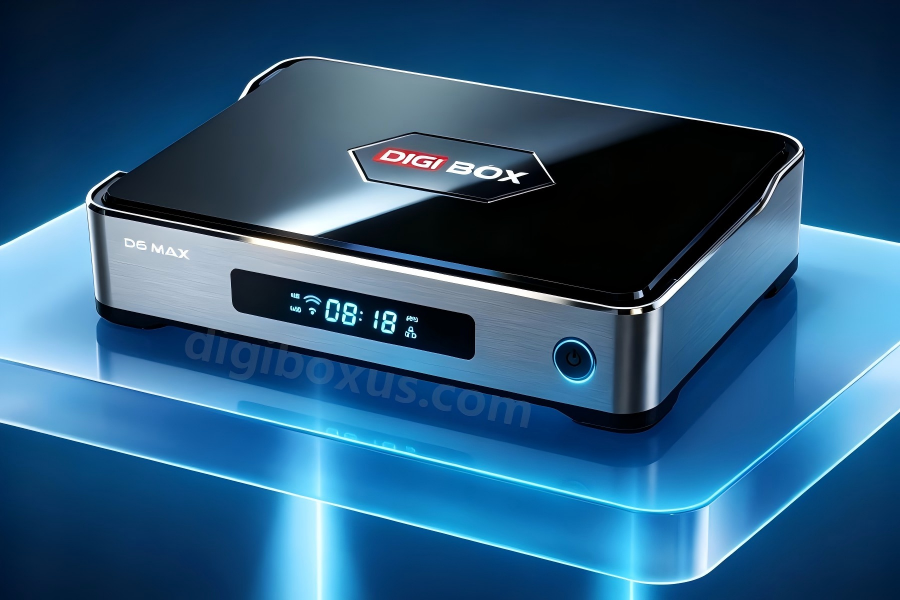
Or just see the hardware we back with our name on it: 🛒 [Shop DigiBox D6 Max]